Inspirations
February 2021 Inspirations: Most innovative Image
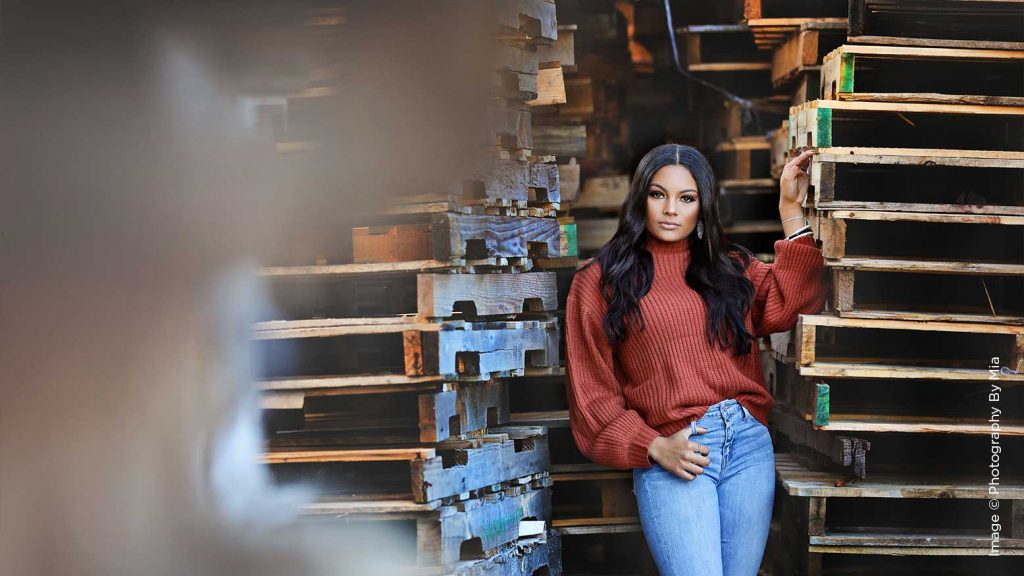
Inspiration can come when you least expect it. As photographers, we are visual artists. We express ourselves through our camera and the images we create.

Inspiration can come when you least expect it. As photographers, we are visual artists. We express ourselves through our camera and the images we create.
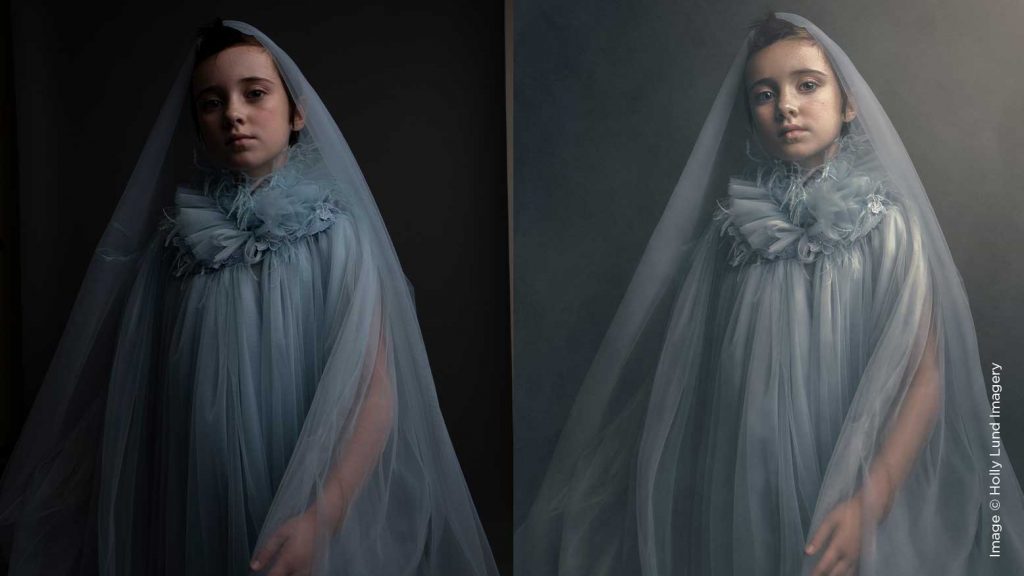
I’m often asked how I achieve my signature style of editing, but also how I achieve it consistently, especially since I edit every image by hand. The fundamental ingredient to my Portrait Post-Production is a consistent workflow.
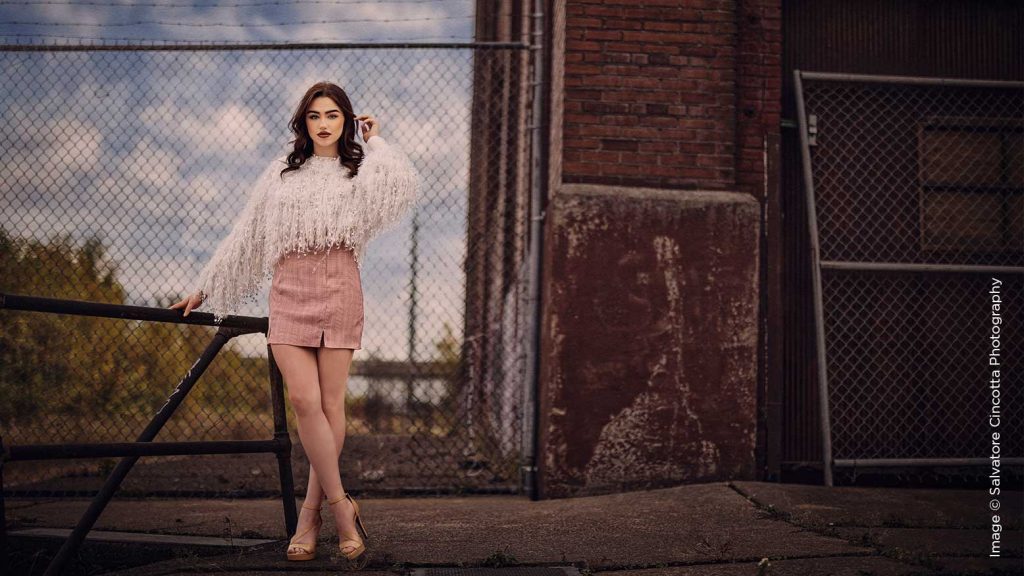
Creating great images is so much more than just pointing your camera at a pretty scene and placing your subject in front of it. Any experienced photographer knows this in their bones. The danger for new photographers is to underestimate the details that go into creating a truly Signature Shot for your clients.
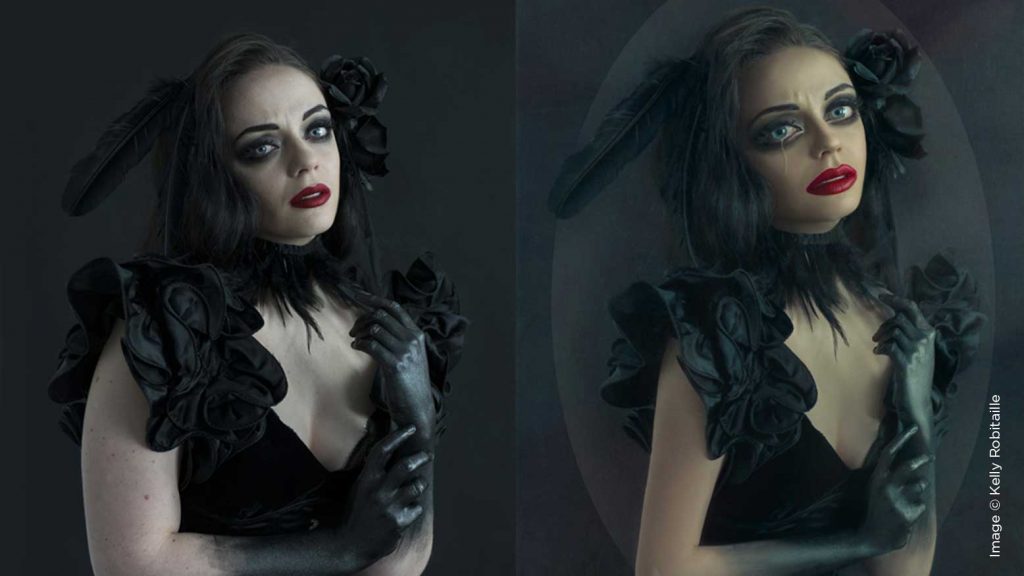
While there is an array of possibilities when it comes to techniques while retouching, ultimately it comes down to granting yourself permission to simply create and experiment. Allow yourself to be brave and step outside the box—you might be surprised by what you dream into existence!
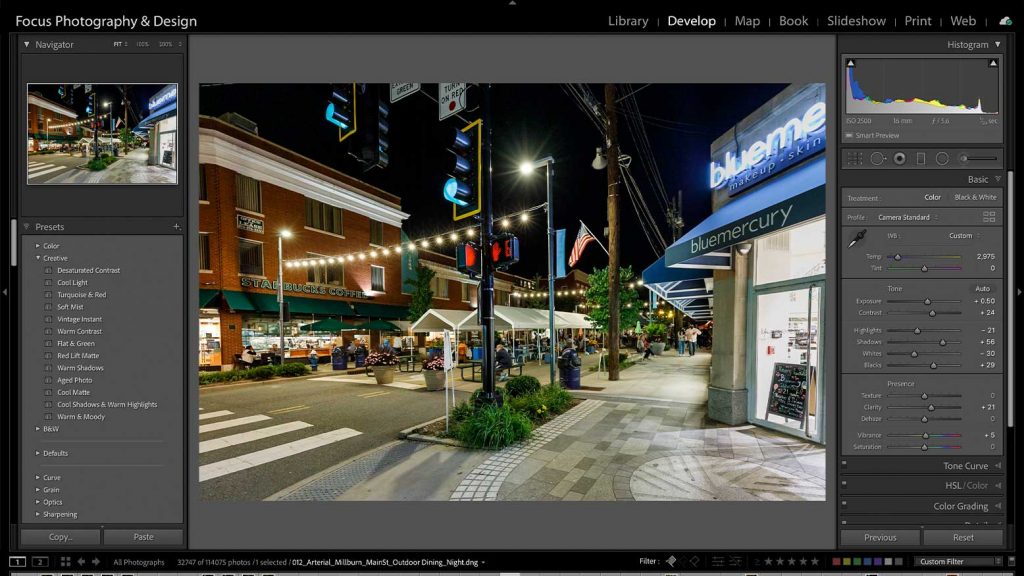
Photography is a wonderful way to capture special moments in time, the people we love, magnificent landscapes and so much more. Like many hobbies, there is so much to learn—from composition and lighting to cameras and f-stops, to how to edit and store your images. It may all seem daunting at first, but little by little you will learn all you need to know.

I’ve broken this down into five points: Enhancing Surfaces, Combining Multiple Shots, Utilizing Plates and Color Cards, Unplanned Face and Body Swaps, and Creative Edits. All images included are shot and retouched solely by yours truly.

Ever since I started editing wedding films back in the early 2000s, I’ve utilized slow motion. I’ve used it to make my films more emotional, more dramatic, and even to fix some in-camera issues like shakiness, allowing me to focus on using the best part of a shot.
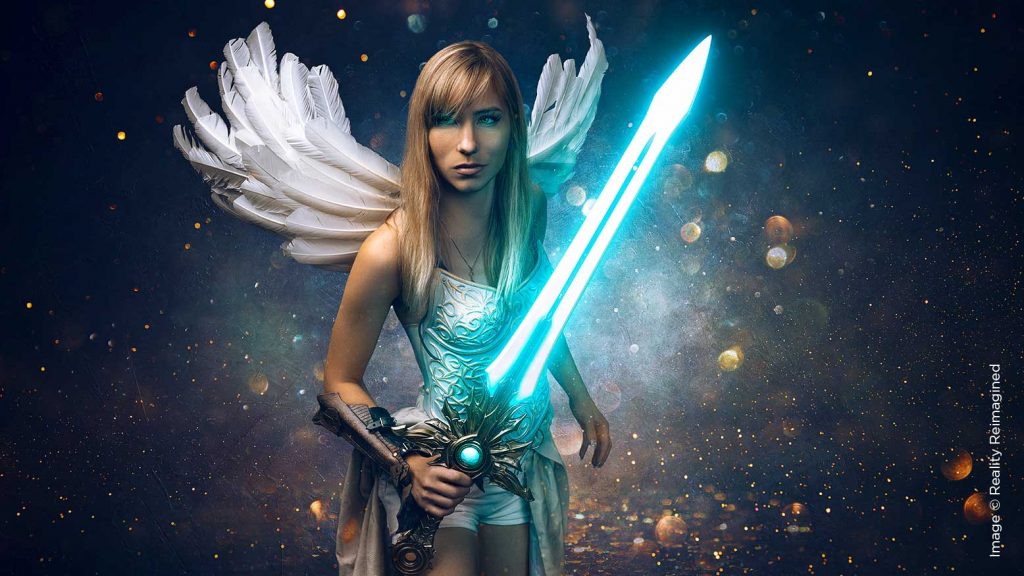
What are Smart Objects in Photoshop? Well, glad you asked. In the simplest terms, they are an entire file format unto themselves, which may not sound very simple. You’ve heard of RAW files and JPEGs, right? Well, Smart Objects are identified in Photoshop in much the same way.
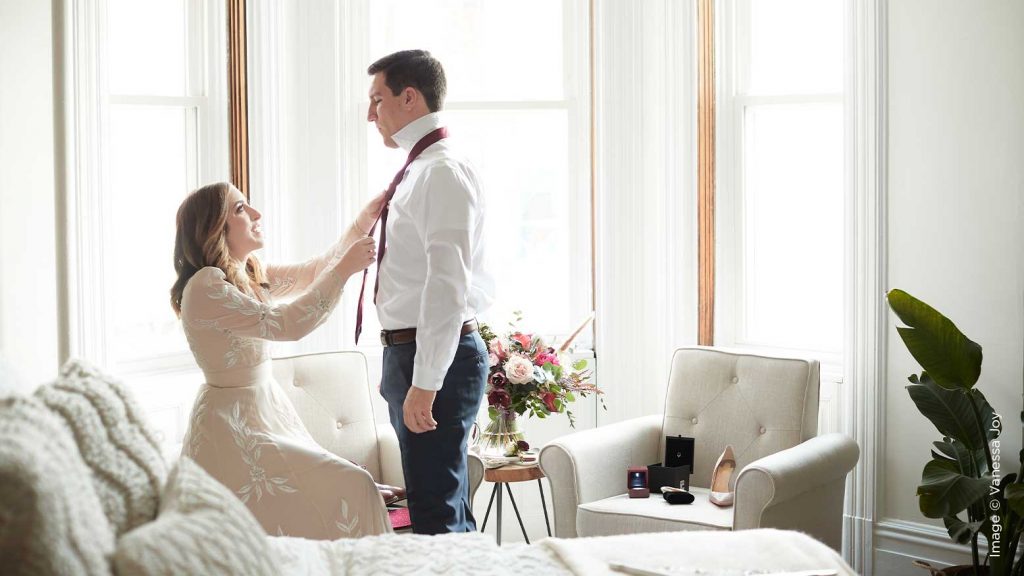
There are five tried and true methods of marketing a wedding photography business—or really, the business of any professional photographer. In this article, I’d like to answer that frequently asked question, although, by necessity, in much less succinct form than the askers may have hoped.
This is a question that you will have to ask yourself. In my opinion, this would be an incredibly easy decision if you are currently editing your own work. Capture One seems to have surpassed much of what Lightroom can do.